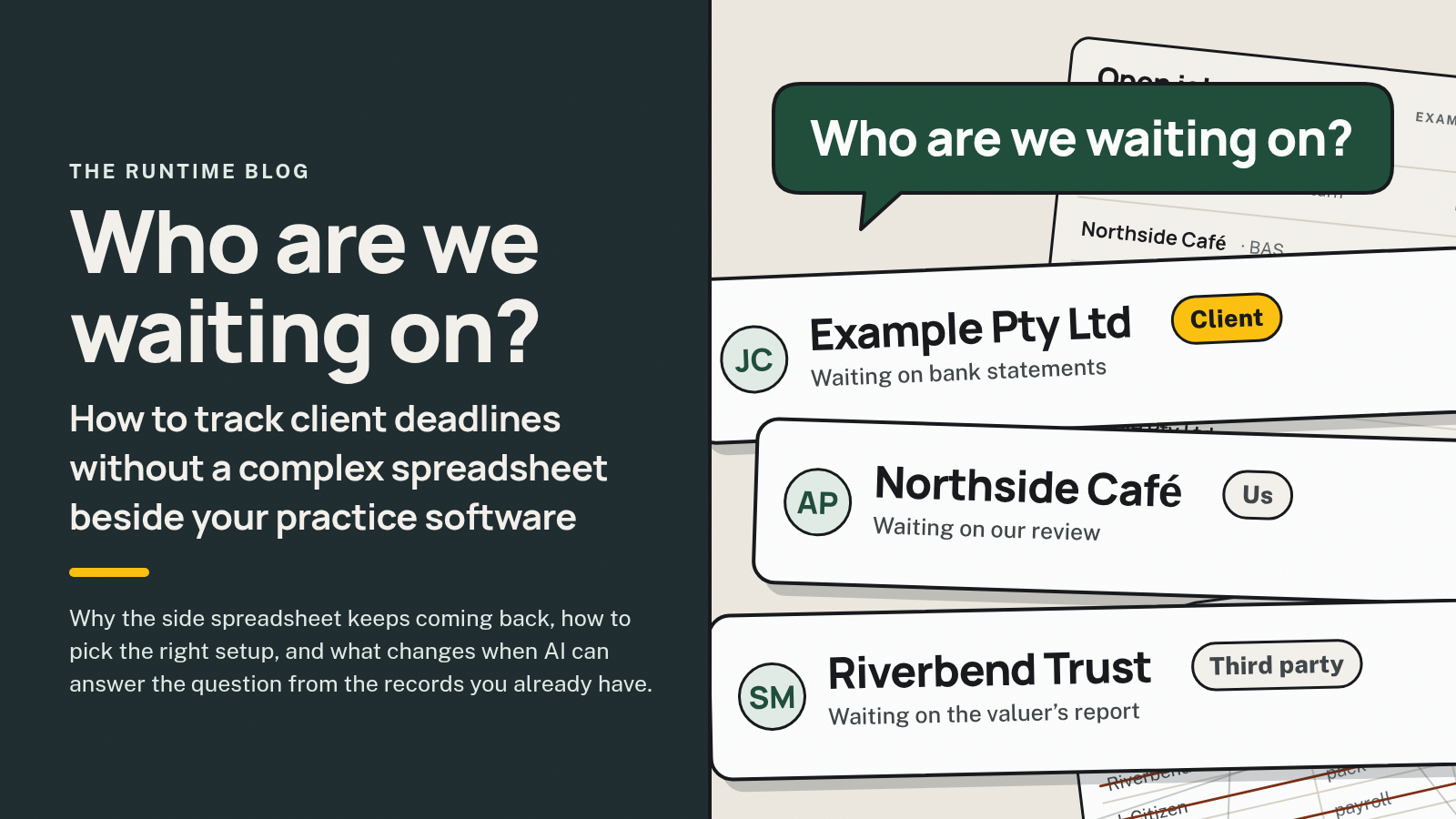
Who Are We Waiting On? How to Track Client Deadlines Without a Complex Spreadsheet Beside Your Practice Software
Why the side spreadsheet keeps coming back, how to pick the right setup, and what changes when AI can answer the question from the records you already have.

On this page · 7 sections
You don't need new practice software to know who you're waiting on. Most firms already have the job, the due date and the owner in their practice manager. What's missing is the live part: what's blocking each job, who it's blocked on, and when someone last chased. That lives in the inbox, the shared drive and people's heads, so a spreadsheet grows up beside the system to hold it. Keep your practice software as the source of truth, put the "waiting on" detail where the job lives, and connect the gaps between your tools, where they allow it. Then AI can answer the question from your own records and draft the chase for a person to approve.
It's Monday morning. The practice manager shows every open job. But to know which ones are actually stuck, someone opens the spreadsheet, scrolls the inbox and asks around the office. "Did the Smiths ever send the rental statement?" "Is that one with us or with them?"
This is for accounting and bookkeeping firms that already have practice software, and still keep a list beside it. Let's get into it.
The List Beside the List
The practice software knows the job. It doesn't know the conversation.
It knows the client, the job type, the due date and who's assigned. It usually doesn't know that the client replied on Thursday saying "I'll send it after the long weekend", that the bank statement landed in someone's personal inbox, or that the partner rang the client yesterday.
So someone starts a list. It's quick, it's flexible, and it works. For a while.
If you think about it, the side spreadsheet is a symptom, not a tool. Every column in it is a question your systems can't answer on their own: waiting on, last chased, notes, actually due.
That last column is there for a reason. Due dates aren't one date for everyone. The ATO's lodgment program for registered agents says the factors that can affect an individual or trust's lodgment due date include "their lodgment and compliance history", "their income" and "whether they are new registrants" (checked 18 Nov 2026). So the real date for a given client often sits in someone's head or a spreadsheet column, not on a shared calendar.
The spreadsheet existing isn't the problem. The problem is what comes with it. Every status change gets typed twice, or more often only once, in one of the two places. It's right on Monday and wrong by Wednesday, and nobody can tell which rows are current. One person keeps it, so when they're on leave nobody knows where anything's up to. And it can't do anything. It can tell you a client is late. It can't draft the chase, notice the reply or move the job on.
One Question, Five Answers
"Who are we waiting on?" sounds like one question. For every open job, it's really five: what's due and when, what's blocking it, who it's blocked on, who owns the next step, and when we last chased and what they said.
Two of those are tidy. The due date and the owner usually live in the practice manager. The other three are scattered: the blocker is in the inbox or the drive, the last chase is in someone's sent items or an unlogged phone call, and who it's blocked on is often just in someone's memory. That's the gap the spreadsheet fills, and it's the gap worth fixing.
"Blocked on" is the one most firms skip, and it's the most useful. A job waiting on the client needs a chase. A job waiting on a reviewer needs a nudge inside the firm. A job waiting on a third party, such as a prior accountant or a bank, needs a different follow-up again. A single "overdue" column can't tell you which is which, so the Monday conversation turns into detective work.
This doesn't only happen at tax time. BAS cycles, year-end work and new client onboarding all raise the same question. Tax season just makes it loudest.
Three Questions to Pick Your Setup
Most firms end up asking the same thing: spreadsheet, Outlook, or the practice software? Here's how to answer it for your firm. Take the three questions in order.
1. How many people need to see the answer?
If it's one person tracking their own clients, a spreadsheet or Outlook flags and reminders will do. Be honest about the cost, though: it works because that person updates it every day, and it stops working the week they're away. Flags live in personal inboxes, so nobody else can see them.
If more than one person needs the answer, and in most firms the partners, the reviewer and whoever covers leave all do, a personal list won't hold. Go to question 2.
2. Can your practice software hold the "waiting on" detail?
Check before you buy anything. Does it have a "waiting on client" status, a field for the real due date, a notes area, a way to log an email against a job? business.gov.au gives the same advice for any new tool: "A good place to start is by looking at what you already have."
If it can, use it, and keep your practice manager (Xero Practice Manager, Karbon, FYI or something else) as the source of truth. Switching software rarely fixes this on its own, because the new system has the same blind spot: the conversation still happens in the inbox.
3. Is the answer still stuck in other tools?
Once statuses and owners are agreed and people use them, some questions still won't come out of the practice software. They're usually the ones that cross tools: the client's reply sitting in the inbox, the document that landed in the drive, the chase nobody logged. If that's most of what your spreadsheet holds, the fix isn't a better list. It's connecting those tools to the practice software, where they allow it, so the information moves without someone carrying it.
That's also where AI starts to earn its place.
The Same Monday, Twice
Here's what that looks like in practice. Same firm, same Monday, two ways. (Illustrative example, fictional names, not a client result.)
With the side spreadsheet. The partner asks who they're waiting on. J. Citizen, who keeps the spreadsheet, says it's mostly up to date. The team goes through it row by row. Two rows say "waiting on client", but the documents came in on Friday and nobody updated the sheet. One row says "with us", but the preparer is on leave. Someone searches the inbox for the third client's last email. Chases get written from scratch after the meeting, if someone remembers.
With the tools connected. The partner types "who are we waiting on?" into the firm's chat. The answer comes back in seconds, from the firm's own records: three individual returns waiting on the client, each with the missing item and the date of the last chase; one trust return waiting on internal review, owned by J. Citizen; one job waiting on a prior accountant. The two jobs whose documents arrived on Friday have already moved on, because the replies were matched to the jobs when they landed. Chases for the three clients are drafted, naming only what's still missing. The partner approves two, edits one, and sends J. Citizen a note about the review.
The difference isn't a smarter list. It's three changes in how information moves around the firm:
- Retrieved. Anyone can ask the question in plain English and get the answer from your records, not from the one person who keeps the spreadsheet.
- Shared. When a client replies, the reply is matched to the right job and the owner hears about it. Nobody has to spot the email, forward it and update two lists.
- Acted on. The next step is lined up for you: a chase drafted, a nudge to a reviewer, a job moved on. A person approves anything that goes to a client.
None of it replaces your systems. Xero stays the ledger and your practice manager stays the job list. What changes is how much stitching your people do by hand, and what they do with the time instead: review, advice and the client conversations that actually need them.
Some of it stays with the firm, and should. Which client gets a phone call instead of another email, and which job jumps the queue, is judgement. Deadlines, deferrals and anything involving the ATO stay with the registered agent responsible; AI can show what your records say, but it doesn't decide. And every chase is approved by a named person. As business.gov.au puts it, "Your business is responsible for everything your AI tools do."
It's also only as good as the records underneath. If job statuses are wrong, so is the answer. business.gov.au notes custom AI solutions "need to be trained on high-quality, well organised data". That's why the tidy-up comes first.
(We cover the wider picture in AI for Accountants in Australia.)
Retiring the Complex Side Spreadsheet in a Month
You don't need a big project. Pick a quiet month, not the run-up to a big lodgment date, and take it a week at a time.
Week 1: read the spreadsheet. Write down every column. Each one is a gap. For each, check whether your practice software already has a place for it: a status, a custom field, a notes area, a way to log emails. Use what's there.
Week 2: agree the basics. Settle on a short list of statuses, for example: not started, waiting on client, waiting on us, waiting on third party, in review, ready to sign, done. Short beats perfect. Give every job one owner. Not "the team", one name.
Week 3: run the review from the system. Log every chase against the job, because if it isn't recorded there, the system doesn't know it happened. Then run your weekly "waiting on" review from the practice software, not the spreadsheet. The agenda below keeps it to the point.
Week 4: look at what's left. The questions the system still couldn't answer are your list of gaps between tools. That's the part worth connecting, and the part AI can take on.
Here's the agenda for the weekly review. It's the one thing in this post worth copying as is. Its job is simple: it makes the team answer the same four questions for every job, and its last line collects the questions your system couldn't answer. After a few weeks, that line is a map of where your tools don't talk to each other. Swap the bits in {curly brackets}.
Weekly waiting-on review: {date}

For every open job due in the next {number} weeks:
1. What's it waiting on? (client / us / third party / nothing)
2. Who owns the next step?
3. When did we last chase, and what did they say?
4. Is the due date in the system the real one?

Actions:
- Chases to approve today: {list}
- Internal nudges: {list}
- Jobs needing a phone call, not an email: {list}
- Questions the system couldn't answer: {list}You can bring AI into this before anything is connected. Export your open-job list with its status notes, swap client names for placeholders, and paste it into the AI tool your firm has already checked and set up. Ask it to sort each job into waiting on the client, waiting on us, waiting on a third party or not blocked, using only what's in the notes, and to mark anything unclear rather than guess. You get the first question on the agenda answered in a minute, and a quick look at how far AI can take this before it's connected to anything. Check every line, and don't let it suggest due dates. Once the tools are connected, the same sorting happens as replies come in, and the agenda is mostly filled in before the meeting starts.
Where Runtime Fits
If your practice software answers "who are we waiting on?" once it's tidied up, you don't need us.
We don't replace Xero or your practice software. We build around them, connecting them where they allow it, so information moves between them without someone retyping it. What can connect is confirmed in the audit, not assumed.
We're worth talking to when you're an established firm and the side spreadsheet is still there because the answers live across the inbox, the drive and the practice manager. For professional firms, that's work like this: "Open files and missing documents, listed. Chase emails drafted for you. Deadlines and renewals on one list." It sits in one hub, and you can ask "where's this file up to?" on a dashboard, or in Slack or WhatsApp. And the rule that matters: "Nothing goes to a client, and nothing moves money, until you or your team approve it." We don't give tax advice and we don't lodge.
Every build is different. It starts with the Phase 1 Systems Audit and Blueprint: we map how work moves through the firm, confirm which of your systems can connect and how, and give you a blueprint and a fixed-price quote. It's a fixed price, quoted upfront, and you keep the blueprint either way. If you go ahead, it's a four-to-eight-week build, and you own what we build.
Quick Answers
What's the best workflow software for an accounting firm in Australia? There isn't one best tool, and this isn't a comparison. If you already have practice management software, the question is usually whether you're getting the most out of it, not whether to switch.
Should we switch from one practice manager to another, say Karbon or FYI? Usually not to fix this. If the conversation still happens in the inbox, a new system has the same gap. Fix statuses, owners and the chase log first, and switch only if your current software genuinely can't hold what you need.
Can't we just use Outlook reminders? For one person, yes. For a firm, no. There's no shared view, and nothing happens when someone's away.
Does this work for bookkeepers? The same idea applies. A bookkeeping practice waiting on statements and receipts each cycle has the same split: the job is in one system, the conversation is in another.
This guide is general information about practice admin. It isn't legal, tax or compliance advice.
Next Monday, try it. Ask "who are we waiting on?" and time how long the answer takes, and how many places someone has to look.
If it's one place, you're done. If it's four, that's where your week is going.
Related posts
 Professional servicesTrades and field service
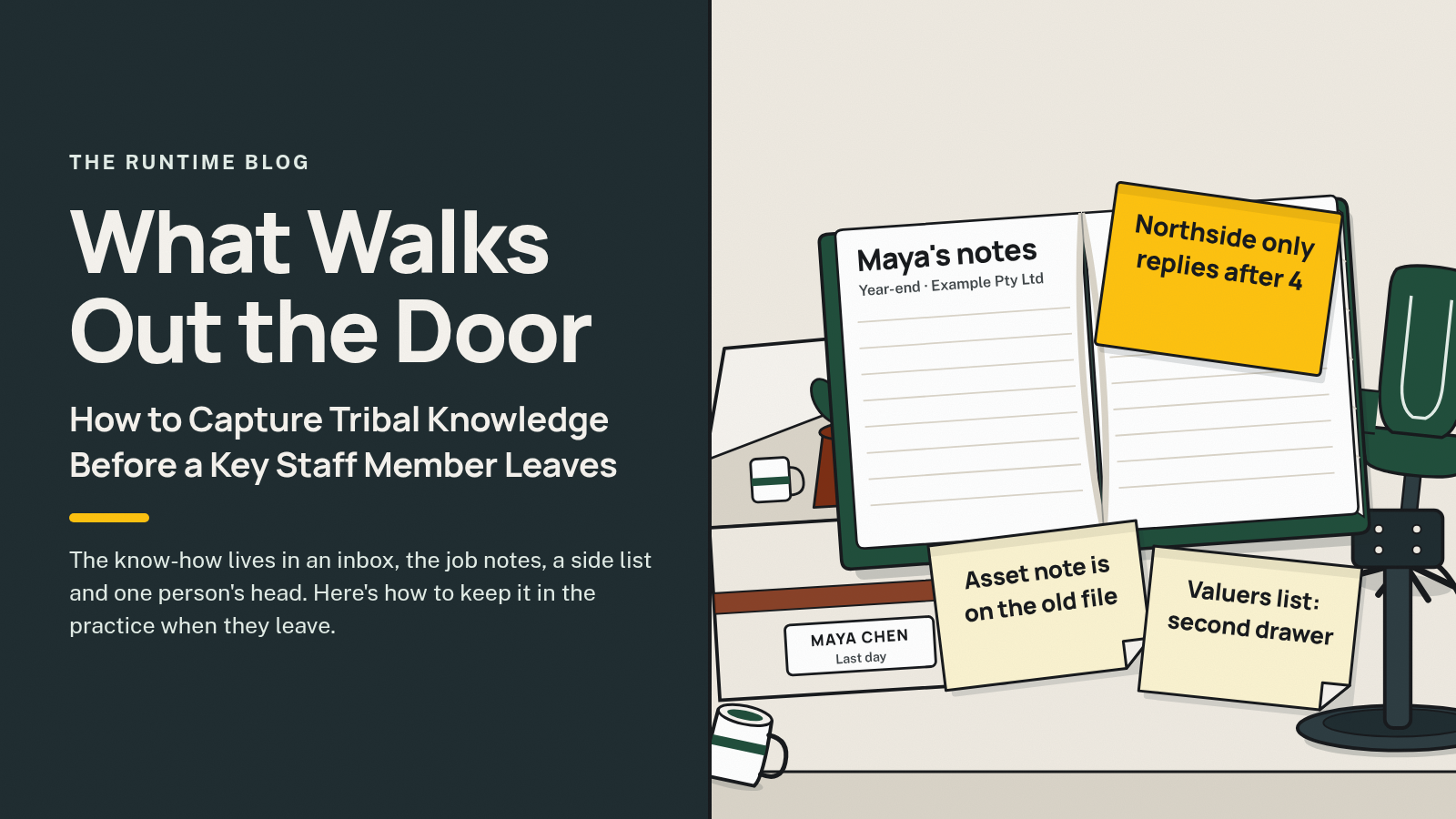
What Walks Out the Door: How to Capture Tribal Knowledge Before a Key Staff Member Leaves
Capture tribal knowledge before a key staff member leaves: map what only they know, file it where the work lives, then prove someone else can run it.
9 min read
 Professional services
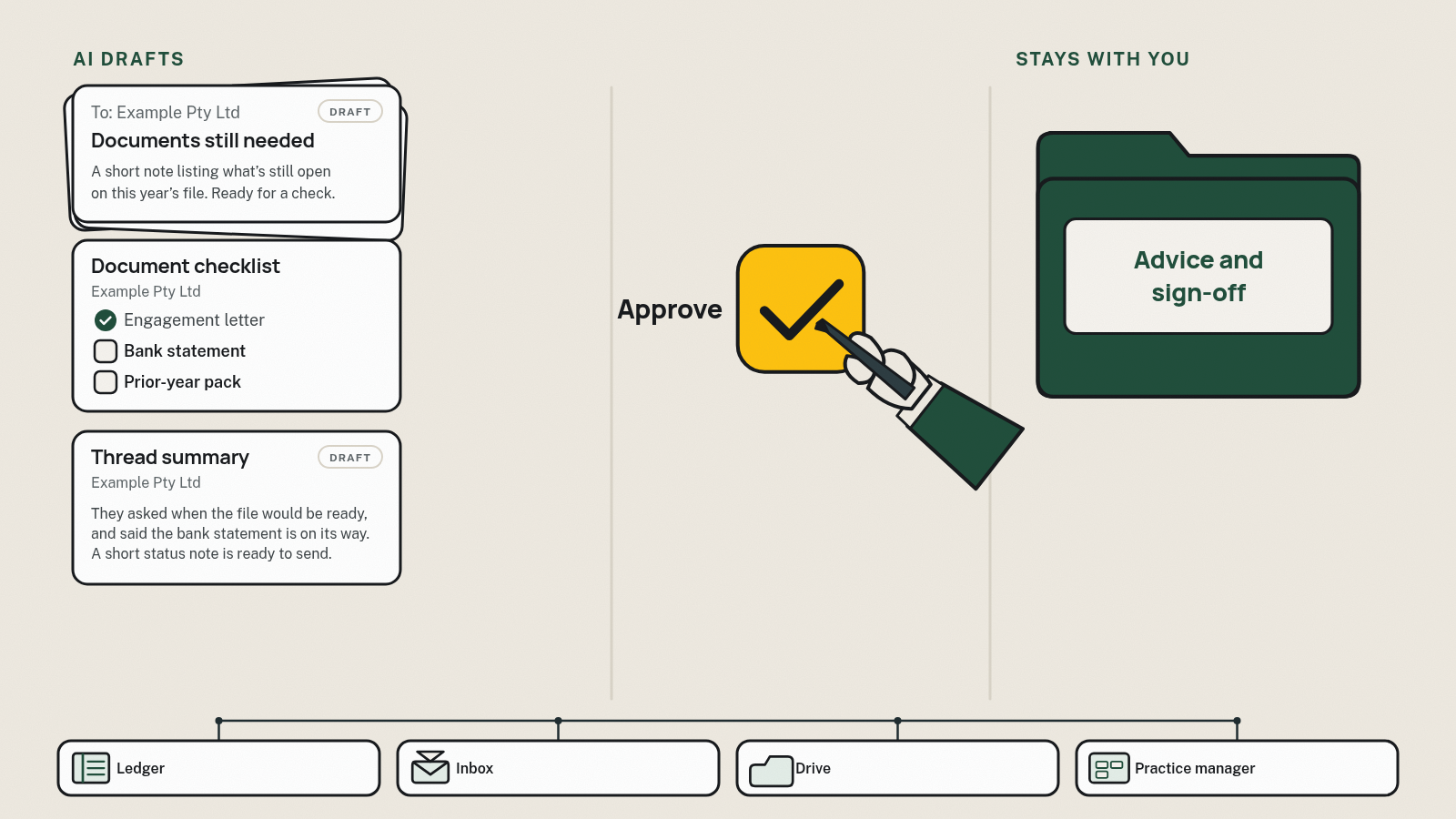
AI for Accountants in Australia: What It's Actually Good For
Plain-English guide to AI for Australian accountants: what it drafts at tax time, how it connects to Xero rather than replacing it, and what stays with you.
16 min read
 Trades and field service
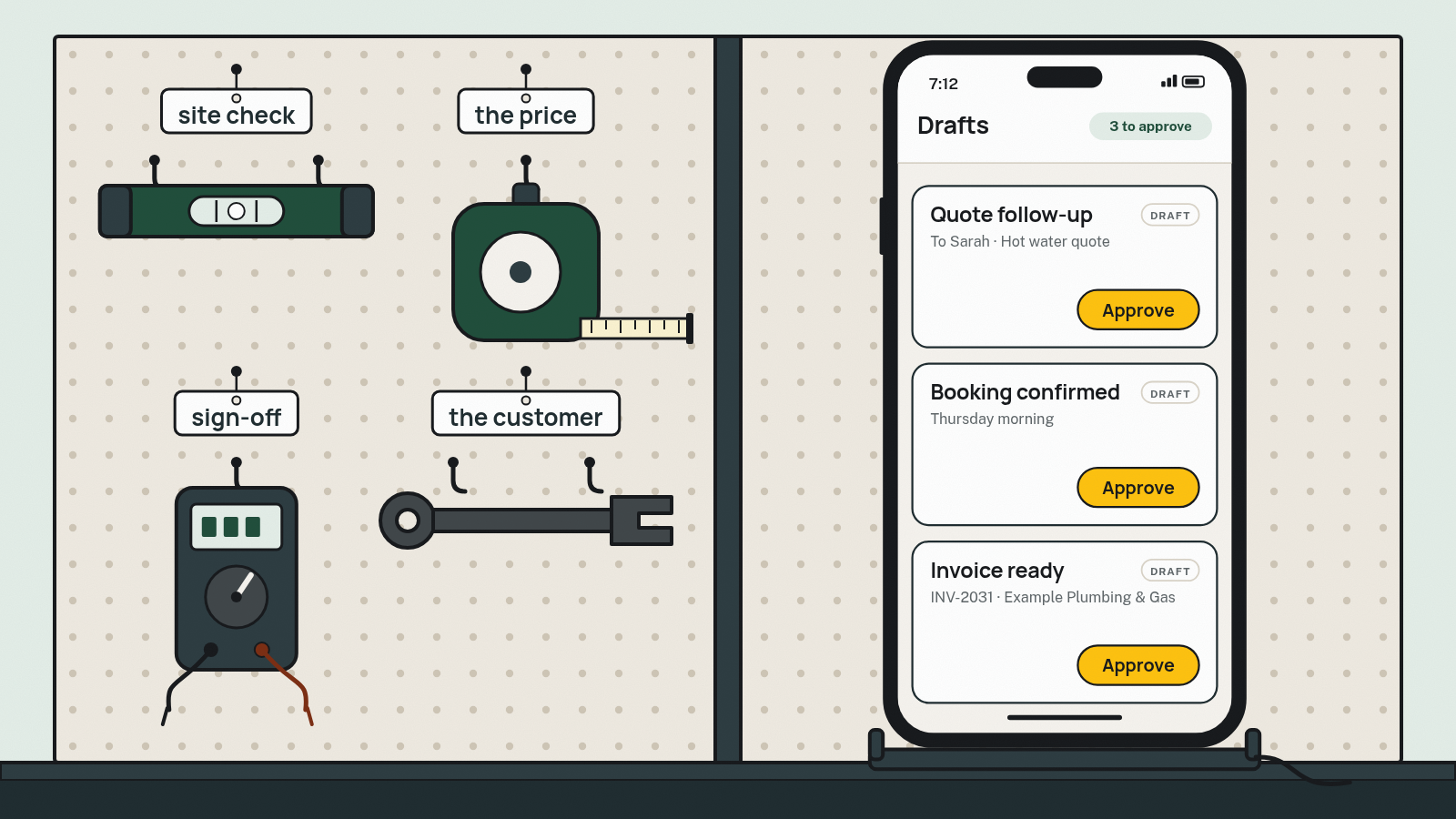
What AI Can Actually Do for a Trade Business
Honest, plain-English guide to AI for Australian tradies: what it can do across quotes, bookings and invoices, what it can't, the risks, and a checklist.
14 min read